
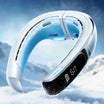
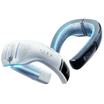


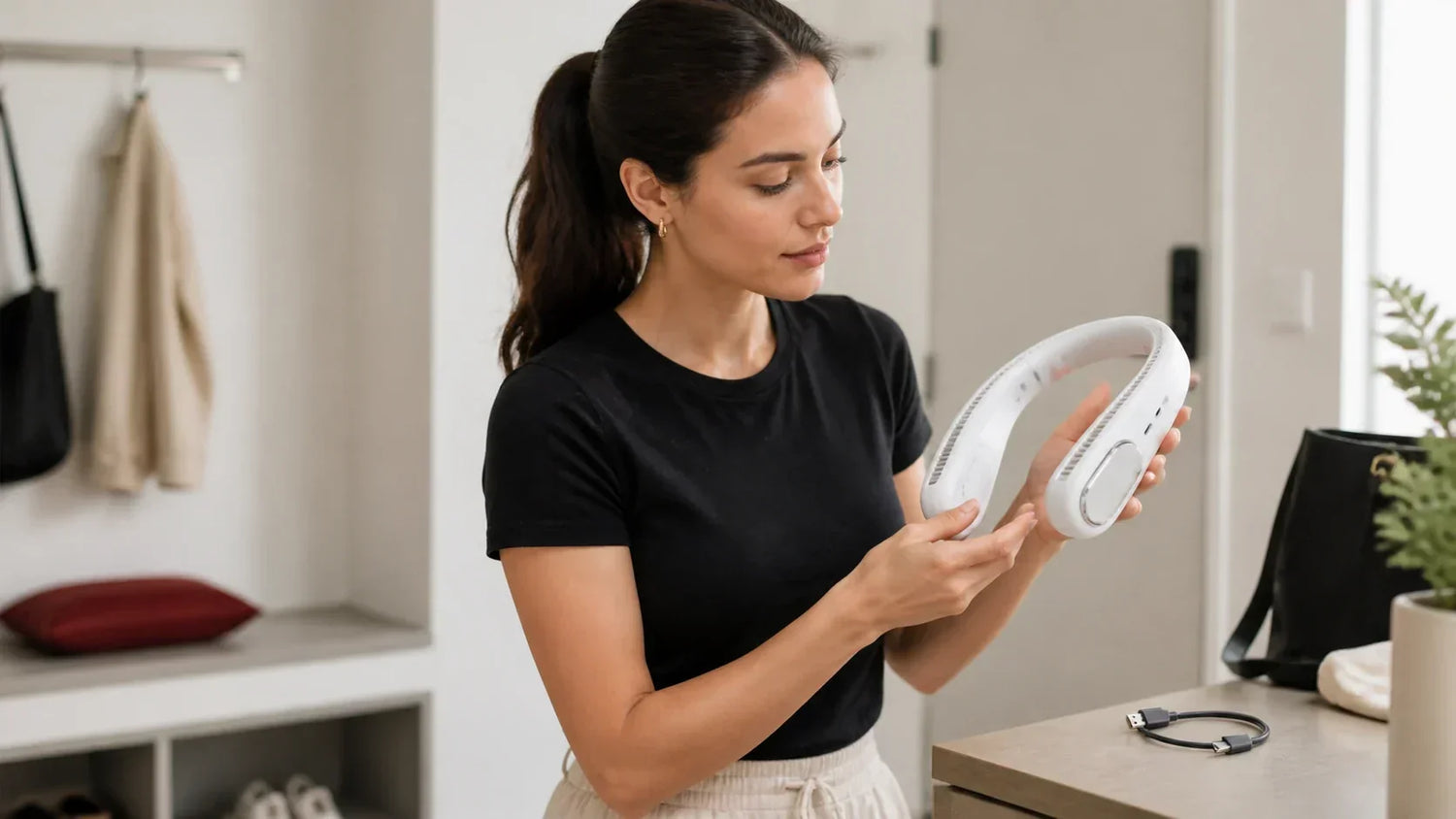
Most problems are easier to prevent before you press the power button.
The short answer: A neck fan can be used safely only when it fits properly, keeps hair and water away from its intakes, uses the specified charger and causes no skin discomfort.
Neck fans place moving parts, a battery and sometimes cold metal plates close to the skin.
That does not make every product dangerous. It does mean that fit, hair clearance, charging and moisture matter.
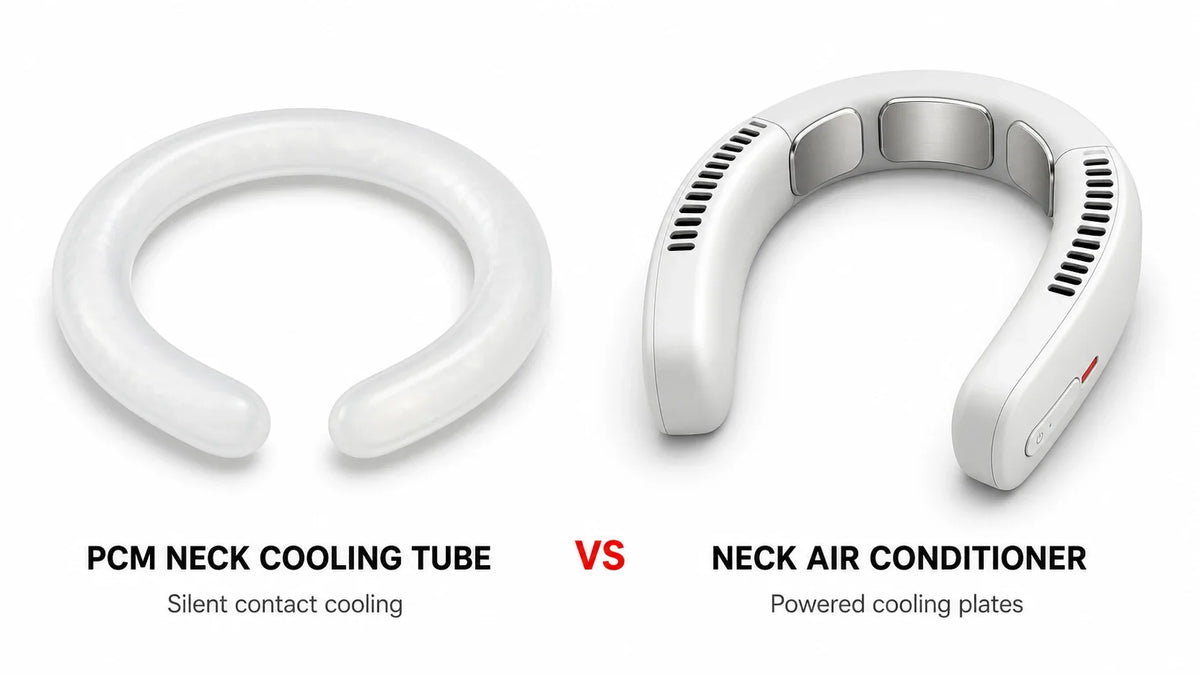
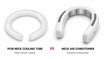
A fan-only model and an active-cooling neck air conditioner also have different risks.
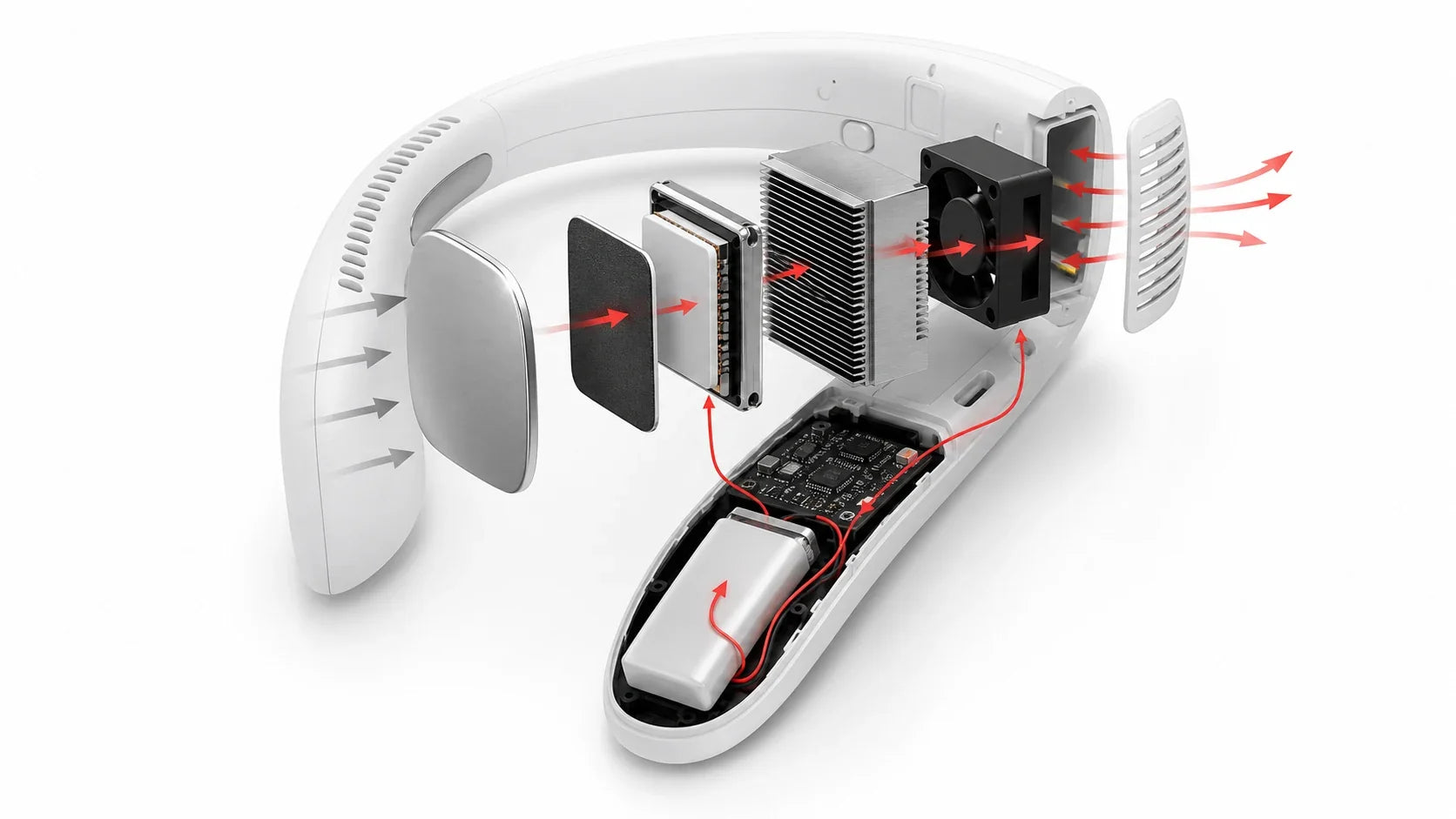
A fan-only device mainly adds airflow, motor noise and intake openings. An active-cooling model adds direct cold contact, higher power demand and more heat that must leave through the housing.
If you are unsure which type you have, start with our neck fan vs neck air conditioner comparison.
Neck fan safety at a glance
| Risk | What can cause it | Reduce the risk | Stop immediately if |
|---|---|---|---|
| Hair or fabric at an intake | Loose hair, scarves, lanyards or clothing cover an opening | Tie back hair and keep every intake clear | Hair or fabric is pulled toward the device |
| Skin discomfort | Cold plates, pressure, friction, sweat or a poor fit | Start low and check the skin regularly | Pain, numbness, burning, itching or color change appears |
| Battery or charging problem | Damage, heat, liquid, an unsuitable charger or a loose cell | Follow the exact input specification and charge on a dry open surface | Swelling, odor, hissing, smoke or unusual heat occurs |
| Liquid entry | Rain, wet hair, dripping towels, cleaning fluid or a wet charging port | Follow the stated water-resistance limits | Liquid enters a vent or port, or operation becomes irregular |
| Reduced awareness | Motor noise close to the ears | Use the lowest useful setting around roads and announcements | You cannot hear traffic, alarms or instructions |
| False heat protection | Comfort is mistaken for protection from heat illness | Keep using shade, water, rest and a heat-safety plan | Dizziness, weakness, nausea, confusion or fainting occurs |
This table is a category guide. The instructions for the exact product always take priority.
Can a neck fan catch long hair?

It can happen if loose hair reaches an intake or an exposed moving part.
A “bladeless” neck fan usually has no exposed propeller. It still has an internal impeller, air intakes and outlets.
Do not treat the word bladeless as a complete hair-safety claim.
Before use:
-
tie back long hair;
-
keep loose curls away from every intake;
-
remove scarves, chains and lanyards that can drift toward the housing;
-
check whether a backpack strap or collar pushes hair into a vent; and
-
inspect the guards for cracks or missing pieces.
Perform the first check at the lowest setting. Turn your head. Look down. Walk a few steps.
If hair or fabric starts moving toward an intake, switch the device off before removing it.
Do not pull against a running motor. Do not insert fingers, pins or scissors into the vent. Do not open the housing unless the manual specifically describes a user-serviceable part.
Choose a design with enclosed impellers and guards small enough to limit direct contact. A guard still needs open area for airflow, so hair clearance remains important.
For more detail on product types and airflow paths, read our complete neck fan guide.
Cooling plates and skin safety

Active-cooling models press thermoelectric plates against the neck.
The cold sensation should not become painful.
Start with a moderate setting. Check the contact areas after the first few minutes. Repeat the check during a longer session.
Watch for:
-
pain or burning;
-
persistent numbness or tingling;
-
itching, welts or swelling;
-
unusually pale, blue, blotchy or darkened skin;
-
a blister; or
-
redness that does not settle after the device is removed.
Stop using the cooling mode if any of these appear.
FDA guidance for cold-contact therapy devices lists numbness, unexpected pain, burning, itching, blisters and discoloration as reasons to stop and seek professional advice.[1] A retail neck fan is not the medical device discussed in that guidance. The signs are included here as conservative cold-contact warnings.
Do not place an ice pack or wet cloth between an electronic device and your neck. It can change the fit, block a vent or add moisture where the product was not designed to handle it.
Do not use a cracked, sharp or corroded contact plate.
Avoid sleep use unless the exact product instructions explicitly permit it. Sleeping prevents regular skin, temperature and battery checks.
People with reduced skin sensation, impaired circulation or a condition triggered by cold may not notice a problem early. Ask a qualified healthcare professional before using direct contact cooling if this applies to you.[1]
Pressure, fit and neck movement
A device can be electrically normal and still fit poorly.
Too much pressure can cause soreness. Too little pressure can make cooling plates lose contact and the device bounce.
Check the fit while:
-
looking left and right;
-
looking down at a phone or desk;
-
walking normally;
-
wearing glasses; and
-
wearing your usual collar or backpack.
The product should not restrict breathing, swallowing or normal neck movement.
Remove it if you feel pressure on the throat, pain at the upper spine, a headache, numbness or increasing discomfort.
Do not force flexible arms past the adjustment range in the manual. Stop using the product if the frame, hinge or cable path cracks.
Lithium-ion battery and charging safety

Rechargeable neck fans usually contain an integrated lithium-ion battery.
High-energy batteries need to be treated as a complete system. The battery, protection circuit, device, cable and charger all matter.
CPSC states that batteries should be tested with the product and charger as a system. It identifies overheating, fire, electrical shock and thermal burns among potential battery and charger hazards.[2]
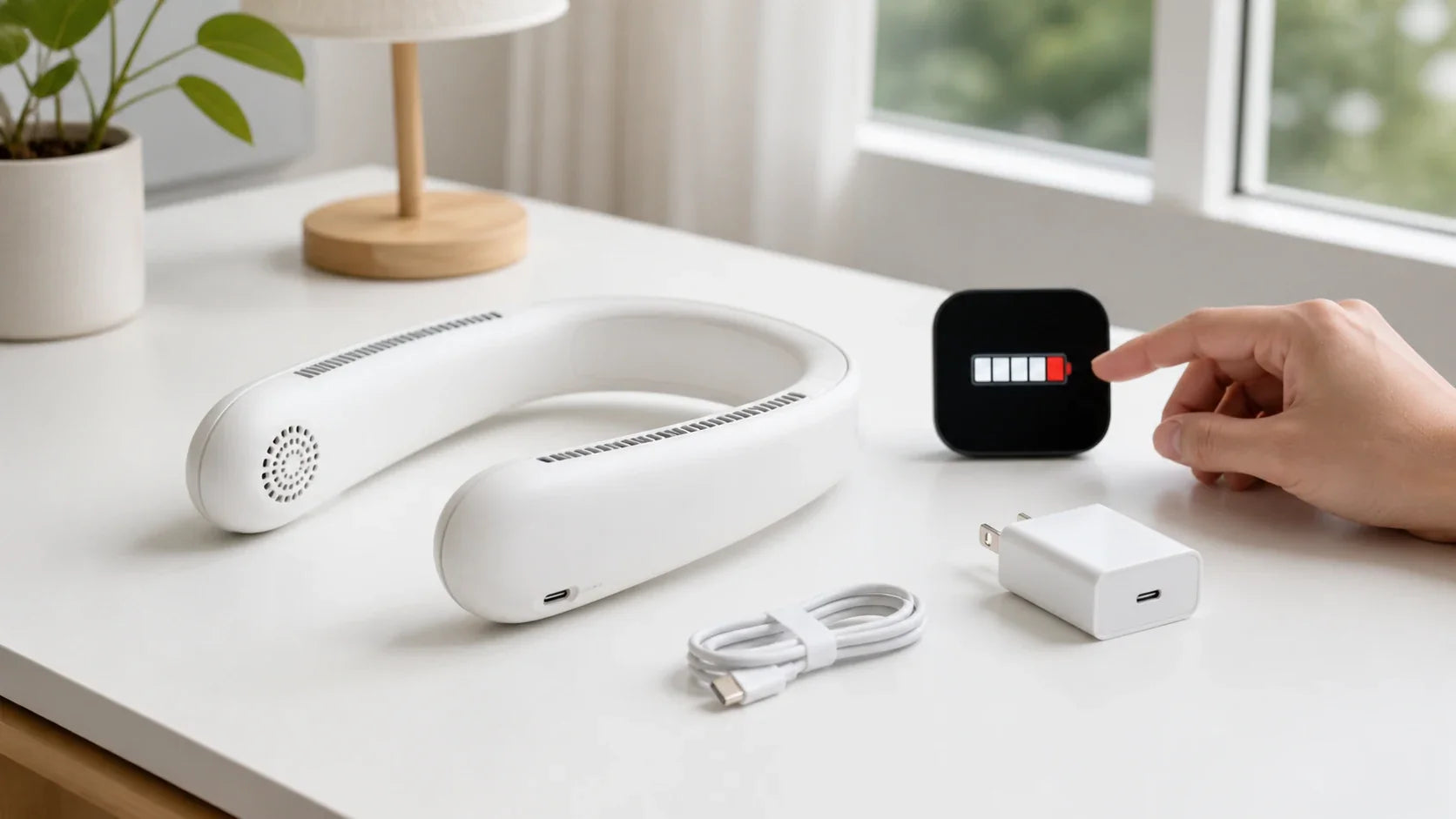
Use the correct charging equipment
Read the required input voltage and current for the exact model.
USB-C describes a connector. It does not guarantee USB Power Delivery or one charging speed. USB-IF states that USB Type-C and USB Power Delivery are not interchangeable terms.[3]
Use the supplied or manufacturer-approved cable and power source. Do not assume that a plug fits because the connector shape matches.
Charge on a hard, dry and open surface.
Do not charge:
-
under bedding or clothing;
-
inside a closed bag;
-
in direct sun or a hot vehicle;
-
next to water; or
-
through a wet, loose, bent or damaged port.
Do not wear the product while it charges unless the manual expressly allows operation during charging.
Never use a loose replacement cell
CPSC specifically warns consumers not to use loose 18650 lithium-ion cells removed from battery packs. Exposed terminals can short against metal objects. An unsuitable charger can also charge a cell outside its specifications.[4]
Do not open the housing to install a larger battery. Do not use a rewrapped cell. Do not repair a punctured, swollen or leaking battery.
Know the battery stop signs
Stop using and charging the device if you notice:
-
swelling or a changed housing shape;
-
a chemical or burning odor;
-
hissing or popping;
-
smoke;
-
liquid leakage; or
-
heat that is clearly different from normal operation or charging.
Do not put the device back on your neck.
If there is smoke or fire, move away, warn other people and contact local emergency services. Do not handle a burning or venting battery.
Follow local hazardous-waste rules for battery disposal. Do not place a damaged lithium-ion device in household trash or ordinary recycling.
Sweat, rain and water resistance

Sweat resistance, rain resistance and immersion protection are not the same.
An IP rating refers to defined enclosure-protection tests under IEC 60529.[5] It does not automatically mean that a device can be washed, submerged or used in every type of rain.
Check the full rating and the manufacturer’s explanation. An “X” in an IP code means that one part of the rating was not specified. It is not a maximum score.
Unless the instructions clearly say otherwise:
-
do not use the device in rain;
-
do not wear it with dripping-wet hair;
-
do not combine it with a wet cooling towel;
-
do not spray cleaner into a vent;
-
do not rinse it under a faucet; and
-
do not charge until the port and surrounding area are completely dry.
Condensation may form when a cooling plate is colder than the local dew point. Wipe the contact surface as directed. Keep moisture away from openings.
If liquid enters a port or vent, turn the device off if it is safe to do so. Do not charge it. Follow the manufacturer’s drying and inspection instructions before using it again.
Do not use a hair dryer, heater or oven to accelerate drying unless the manufacturer explicitly authorizes that method.
Noise and awareness
The motors sit close to your ears.
Even moderate device noise can mask traffic, alarms or public announcements.
Use a lower setting when walking near roads, cycling, commuting or working around moving equipment. Remove the device when instructions or warning sounds must be heard clearly.
Do not use noise-canceling headphones to compensate for neck-fan noise in a setting where awareness matters.
If the device develops grinding, clicking, scraping or a sudden change in pitch, turn it off. Check for a blocked intake or visible damage. Do not keep running a motor that sounds mechanically abnormal.
Are neck fans safe for children?
A neck fan is not automatically a toy.
Follow the minimum age and supervision rules in the exact manual. Do not infer suitability from the product’s size or color.
An adult should check:
-
neck fit and pressure;
-
hair clearance;
-
skin under cooling plates;
-
access to buttons and charging ports;
-
any detachable small parts; and
-
whether the child can remove the device without help.
Do not let a child charge, open or repair the product unsupervised.
Stop use if the child cannot reliably report pain, numbness, heat, pulling or another unusual sensation.
A neck fan does not make extreme heat safe
A neck fan can improve local comfort. It cannot prove that the body is coping safely with heat.
NIOSH identifies temperature, humidity, direct sun, limited air movement, exertion, dehydration, clothing, PPE and personal factors as heat-stress risks.[6]
Keep using the full heat plan:
-
water;
-
shade or a cool recovery area;
-
rest breaks;
-
acclimatization;
-
suitable clothing; and
-
workplace engineering and administrative controls.
Confusion, loss of coordination, fainting, seizures or altered mental status can indicate a medical emergency. In the United States, call 911 and begin rapid cooling while emergency help is on the way, following official guidance.[7]
Dizziness, weakness, nausea, headache or heavy sweating can also signal heat illness. Stop the activity and move to a cooler place. Do not keep working because the neck feels cool.
Cleaning and storage safety
Sweat, sunscreen, dust and hair collect on neck devices.
Before cleaning:
- Turn the device off.
- Disconnect the charging cable.
- Let the device return to a normal temperature.
- Follow the cleaning materials and no-water areas listed in the manual.
Use a soft cloth on accessible surfaces. Do not push debris farther into a vent. Do not use a sharp tool near an impeller or battery.
Let the device dry completely before charging or closing it inside a case.
Store it away from direct sun, heaters, moisture and objects that can crush or bend the frame.
Do not leave it for long periods inside a hot parked vehicle.
A 30-second check before every use

Run this check before placing the device around your neck.
- Housing: no crack, swelling, exposed wire or loose plate.
- Vents: clear of hair, lint and fabric.
- Skin: dry and free from irritation at the contact points.
- Fit: stable without pinching the throat or spine.
- Battery: no unusual odor, heat or shape change.
- Environment: no rain, dripping water or blocked awareness.
- Exit: you can remove and switch off the device quickly.
If any check fails, do not start the device.
Use our neck air conditioner buying checklist to compare hair protection, fit, charging information and warranty support before purchasing.
When should you stop using a neck fan?
Stop immediately for:
-
hair or clothing being pulled toward an intake;
-
pain, burning, numbness, itching, swelling or skin discoloration;
-
pressure that affects breathing, swallowing or movement;
-
liquid entering a vent or charging port;
-
battery swelling, odor, hissing, smoke, leakage or unusual heat;
-
cracked guards, exposed wiring or a loose cooling plate;
-
grinding, scraping or unstable operation;
-
inability to hear traffic, alarms or instructions; or
-
symptoms of heat illness.
Do not restart the product just to see whether the problem returns.
Frequently asked questions
Are bladeless neck fans safe for long hair?
They can reduce contact with an exposed propeller, but they still have intakes and internal impellers. Tie back long hair and confirm that no strand moves toward an intake.
Can cooling plates damage skin?
Uncomfortable cold, prolonged pressure or poor temperature control can irritate skin. Start low, inspect the contact area and stop for pain, numbness, burning, swelling, blistering or color change.
Can I wear a neck fan in the rain?
Only if the exact model’s rating and instructions allow that exposure. An IP rating does not automatically permit heavy rain, washing or submersion.
Can I charge a neck fan while wearing it?
Do so only if the manual expressly permits operation during charging. Otherwise, charge it while removed, dry and placed on a hard open surface.
Is a neck fan safe to wear all day?
Do not judge by battery life alone. Take breaks to check skin, pressure, hair clearance, moisture and device temperature. Follow any session limits in the manual.
Are neck fans safe for children?
Follow the model’s age rules. Use direct adult supervision and confirm that the child can report discomfort and remove the device safely.
Can a neck fan prevent heat stroke?
No. It is a local comfort device. Use water, rest, shade or cooled recovery areas, acclimatization and an appropriate heat-safety plan.
The bottom line
Neck fan safety is mainly about clearance, contact, charging and context.
Keep hair and fabric away from intakes. Check the skin under cooling plates. Keep water away from electronics. Use the specified charging equipment. Stop at the first sign of mechanical, battery or skin trouble.
Most importantly, do not mistake a cooler neck for proof that extreme heat is safe.
Next step: Confirm that your chosen product documents fit, charging and moisture limits before using it for a long session.
Sources
[2] U.S. Consumer Product Safety Commission, “Batteries,” accessed August 18, 2026.
[4] U.S. Consumer Product Safety Commission, warning on loose 18650 lithium-ion cells, January 8, 2021.
[6] NIOSH, “Heat Stress and Workers,” reviewed July 11, 2024.